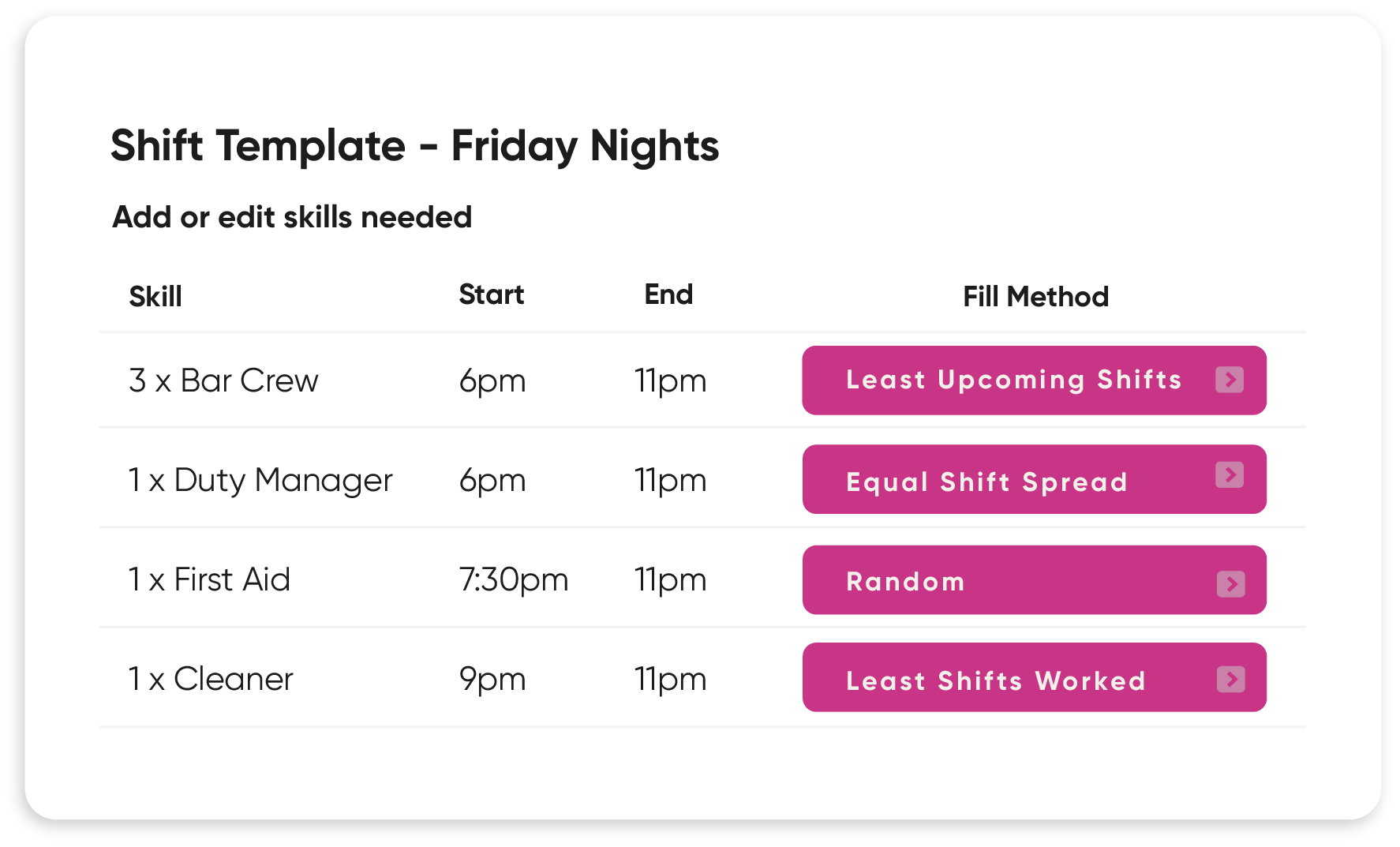
Complex staffing made simple
Whether you manage multiple venues, departments, or contract types, StaffSavvy easily adapts to your structure.

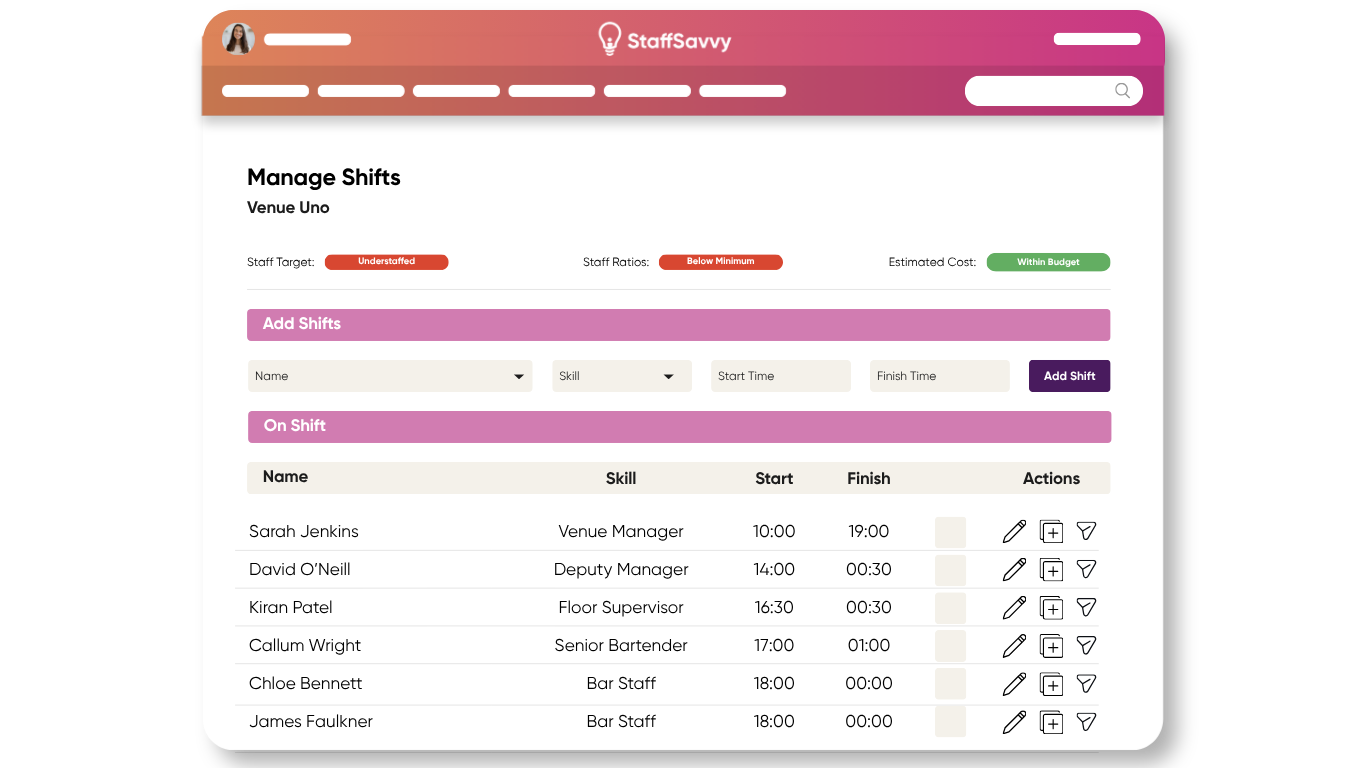
All the HR tools to get stuff done
There are a lot of HR tools out there, but none that know venues as well as we do. StaffSavvy has advanced contract and manipulation rules to manage all of your complex HR needs.
Digitally onboard staff with customisable workflows, online contracts, and automated compliance checks—including Right to Work and visa management.
Let us tackle the tricky tasks of making sure minimum contract hours and minimum rest hours are met.
-
Our simple onboarding process allows you to set as many steps as needed to correctly onboard your new employees. And with StaffSavvy’s triggers and tasks you can automate the whole thing. Sync with StaffSavvy’s Recruitment Add-on for a completely seemless process.
-
Build your own reports with custom filters. Many clients love our cost code and budget reporting.
Create reports and download the data anytime you need.
-
Automate your payroll export from timesheets and remove any human error, saving you hours of time.
-
Holiday and absences sync up with our automated scheduling system so you can easily keep track of who worked when.
-
Compliance is at the core of our systems. With everything managed on the one system you can be confident you always have the correct staff scheduled with the relevant qualifications.
Timesheets pull straight from schedules which link to your contract rules so you’re always paying people correctly. Leave out the room for human error.
-
Our training and resource features provide a highly flexible framework to manage, build upon and report on your existing training programs.
-
Improve staff communication significantly with in app messaging and notifications. Staff can easily communicate amongst themselves, reducing admin time for managers and boosting staff morale.
Savvy Clients
























Empower your staff
Say goodbye to spreadsheets and slow communication with staff.
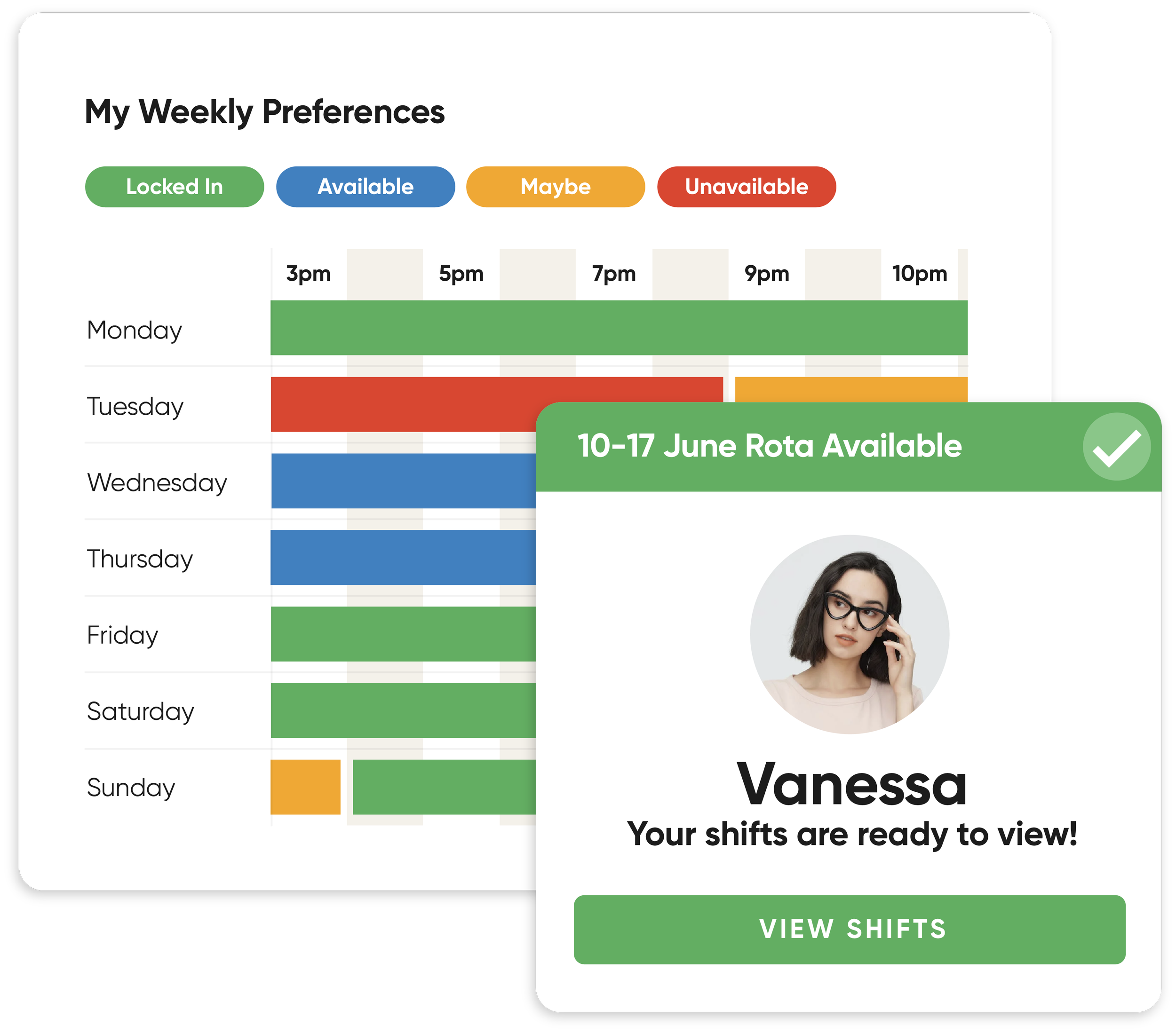
With StaffSavvy, you can empower your team to manage their own availability, swap shifts, and view schedules—boosting staff engagement and significantly reducing admin time.
StaffSavvy by Sector
From the Royal Albert Hall to the National Portrait Gallery, StaffSavvy powers some of the most dynamic organisations. Our clients save time, reduce costs, and improve compliance across their operations.

“StaffSavvy successfully replaced several different systems with a single unified rota and a formal messaging platform. It saves our managers hours of work every week compared to the system it replaced; it’s a winner!”
Anthony Lynch
Head of Front of House & Tours, Royal Albert Hall
Training and Support You Can Trust
Unlimited training and support from a team of real people with years of experience.


Beth
Jessica
Theatre & Integrations Specialist
Visitor Experience Specialist
Emily
Poppy
HR Specialist
Key Account Manager


Automated features that save you time
We automatically detect changes and actions in the system, and based on your preferences, we can then create tasks, assign jobs, and send emails to complete your to-do list.
Set as many actions as you want, and daisy-chain your triggers to create different automation sequences depending on the scenario.
![Screenshot of a digital task management interface with a white background and black border. It shows a completed trigger action titled 'Onboarding Complete' with details such as 'Email to self' trigger, subject '[Name] has completed their onboarding', and message '[Name] has completed their onboarding and can now be scheduled for shifts.' There is a green button labeled '+ Add an Action'.](https://images.squarespace-cdn.com/content/v1/68551eeba9749556adeb0733/e5f2d1c0-6235-4a01-bd7d-96f409373668/Asset+45.png)
“Our payroll and timesheet admin time has been reduced significantly, saving individual teams between 10 and 20 hours a month. It’s remarkable.”
Josh Chandler
Senior Systems and Technology Business Partner, Roundhouse

Event Management Integrations



FAQs
-
Yes. We offer two different packages. HR & Scheduling or Scheduling Only.
-
No. However, you can choose a monthly rolling contract and cancel at any time.
-
Our niche is managing the complexities of large shift-based organisations that juggle staff on all types of contracts: part-time, zero-hours, freelancers, contractors, and more.