Solutions
Automation
The holy grail of complex staff management. StaffSavvy’s goal is to make your work life easier and more efficient. Find out how.
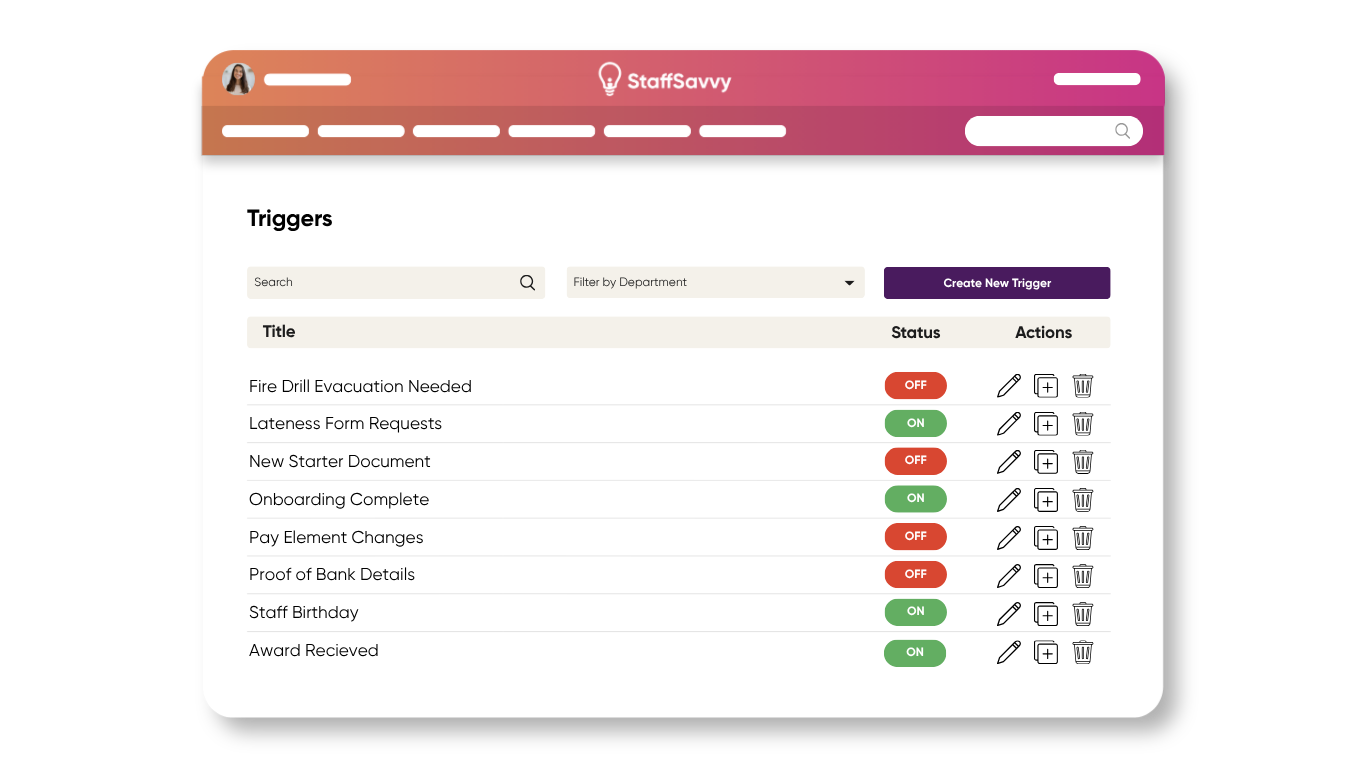
Triggers & Tasks
Don’t waste time on manual processes. StaffSavvy can detect changes or actions on the system and automatically action a task you want to happen next.
Use Triggers for Absences, Awards, Check Ins, Documents, Expenses, Holiday, Recruitment, Specific Dates, Reports, Shift Changes, Staff Changes, Training, and Eligibility Updates. With more than 80 triggers the options and time savings are vast.
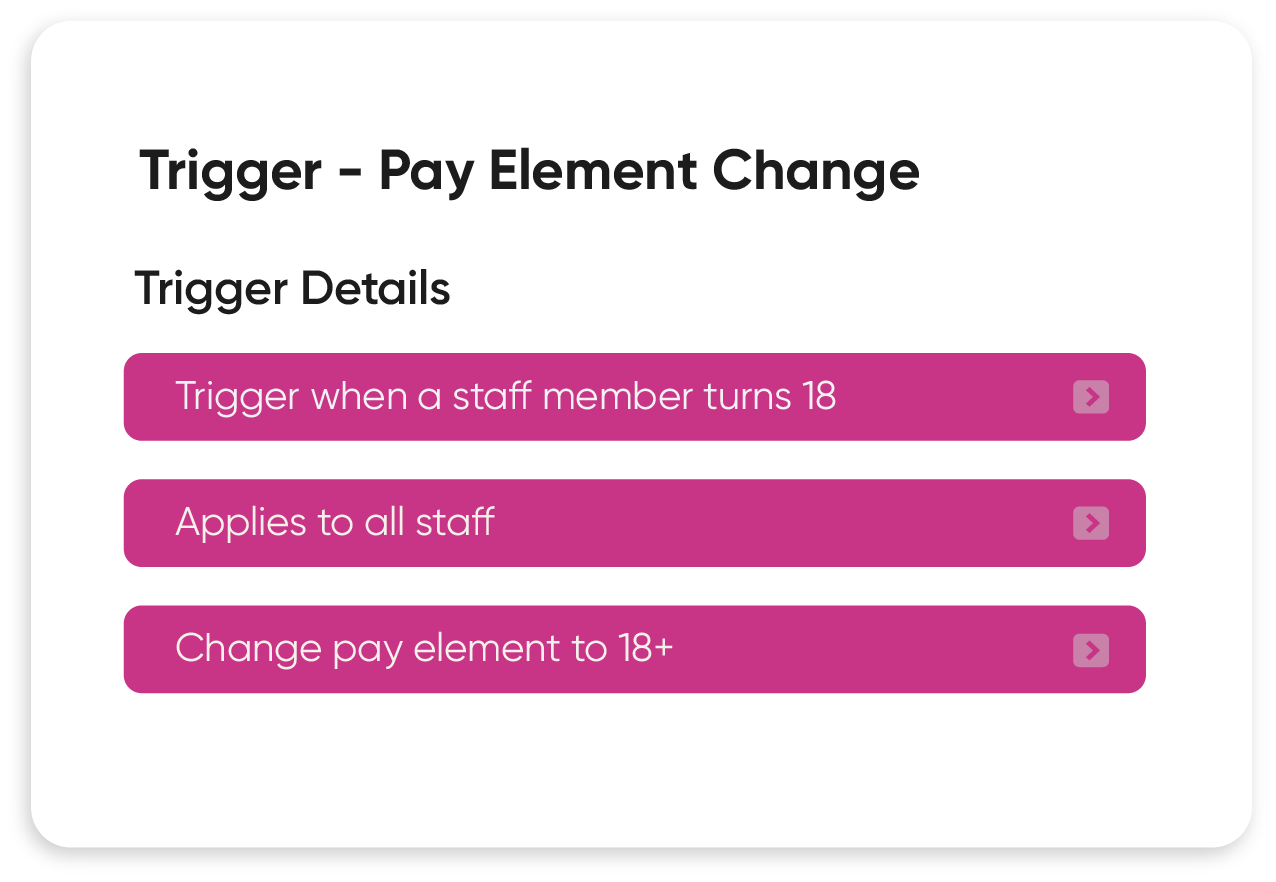
Automated Tasks
Assign training or send messages to staff on a certain shift without any manual intervention.
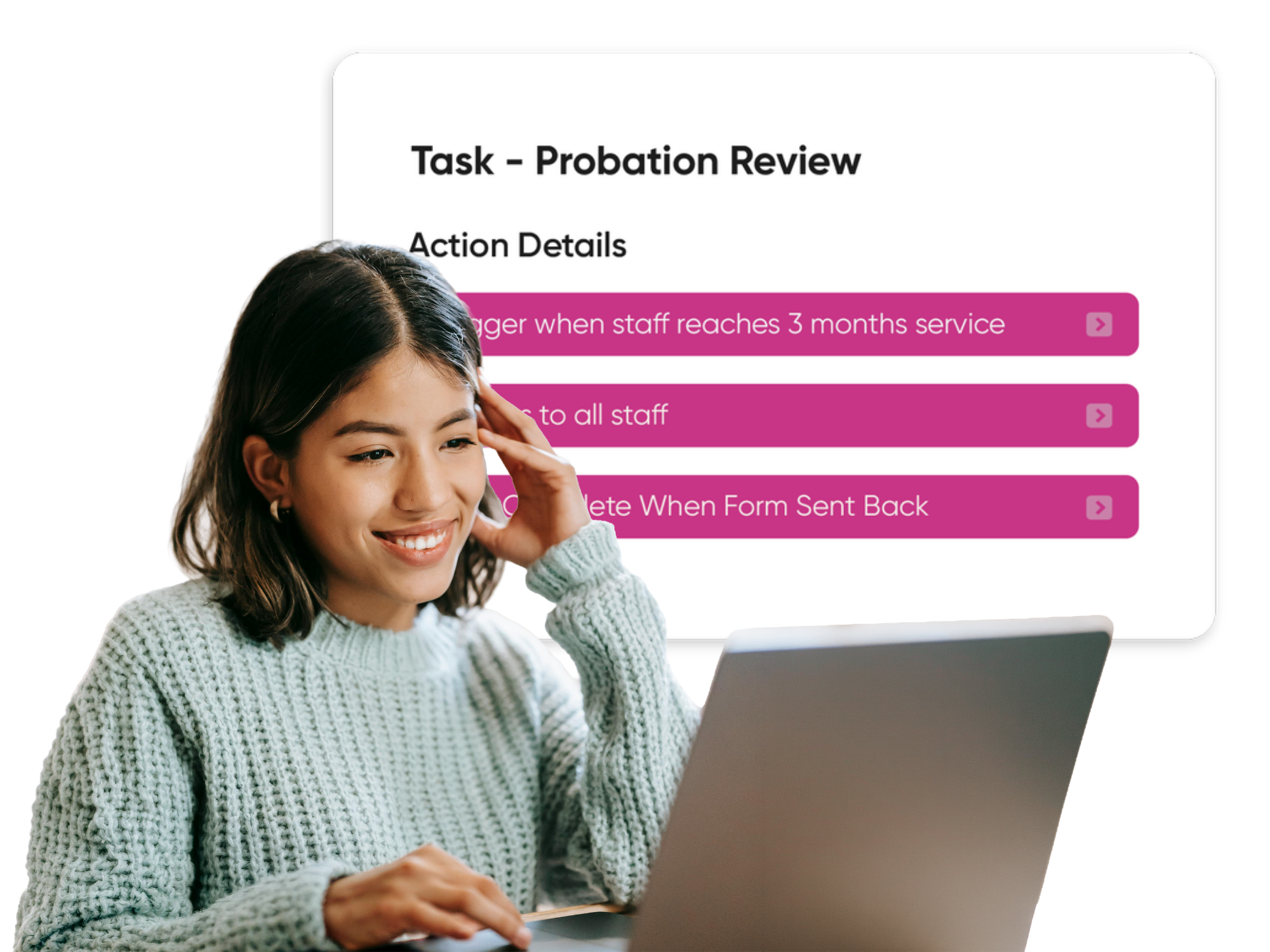
Assign tasks, documents, or exams to either an individual or a team. Automate as many processes as you need and include customised messages with mail-merged data. Daisy-chain your triggers to create different sequences of automation.
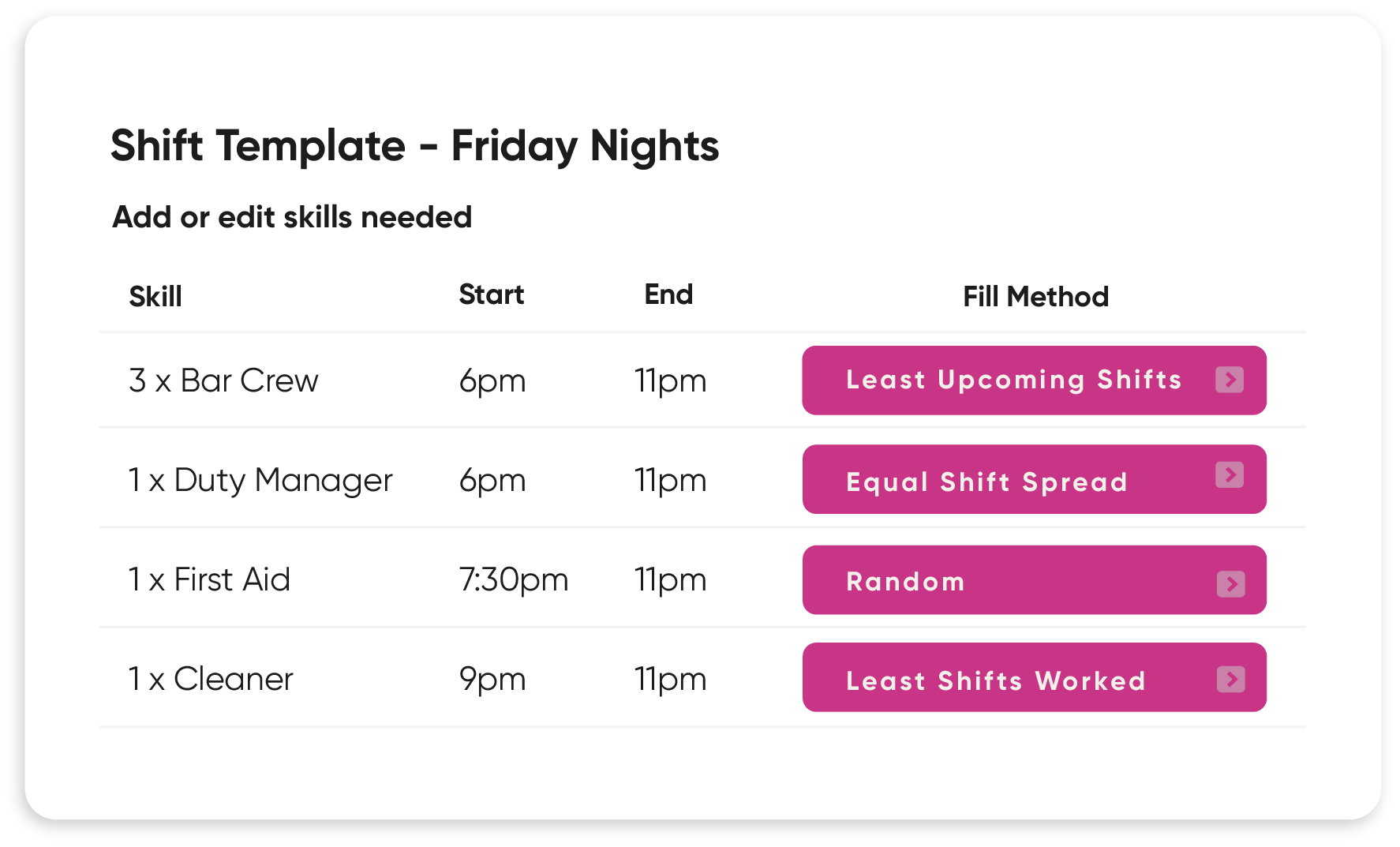
Templates & Schedules
Create staffing templates and let the software do all the hard work.
Tell us what type of staff you need where, and when. Then the template will be matched up with staff who are available and have those corresponding skills. All while looking at their contract rules and restrictions. Meeting necessary ratios and more!

“With a large number of venues and casual staff, we needed a really fluid system to meet our scheduling complexities, and StaffSavvy offers just that.”
Candice Thomlinson-Smith
Registration Service Manager, Oxfordshire County Council
Trusted by Industry Leaders